
Login to your account at apaczka.pl. In menu click WEB API i and next Add integration, as following add Source name and Save.
To integrate courier Apaczka with easySales enter the platform easySales, in Integration -> Couriers and click Connect next to Apaczka. You will see pop-up with data of account:
APP ID and Secret API: You can find in interface of Apaczka as in previous step.
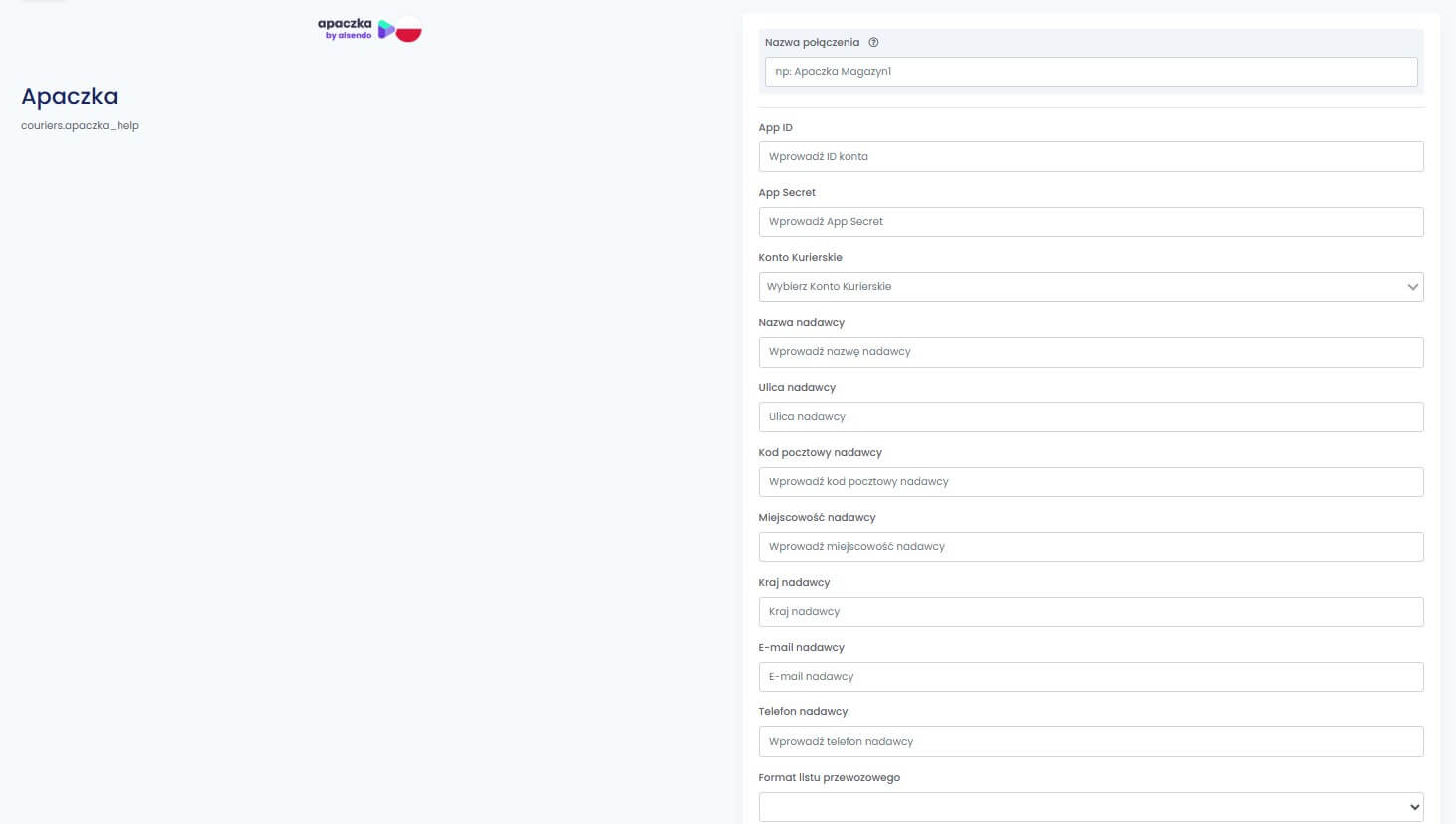
After fulfilling all informations click on Save.
Integration is visible during Fast creation of AWB and from details of order. After choosing Apaczka you will see all created connections, to easy up a choice of the most appropriate service.
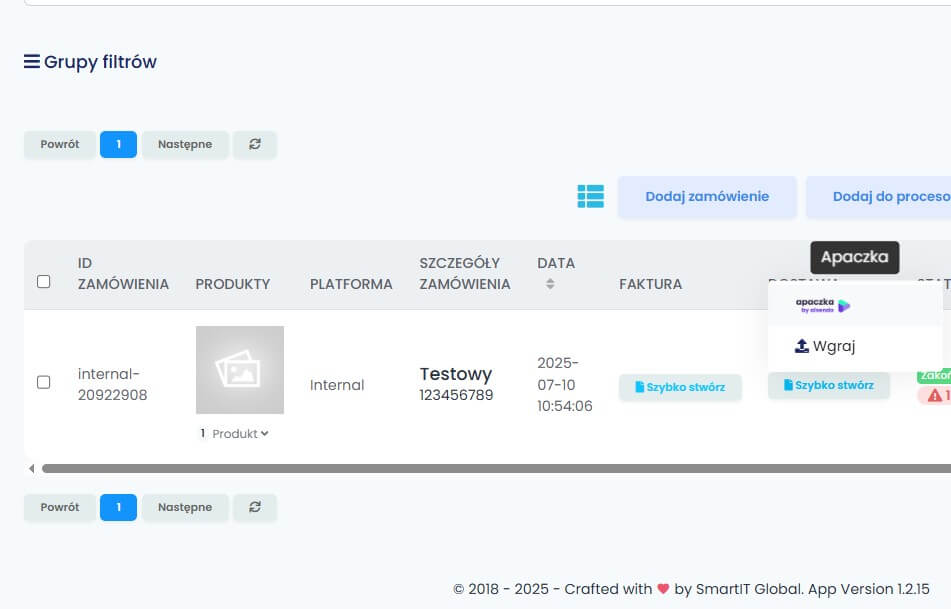
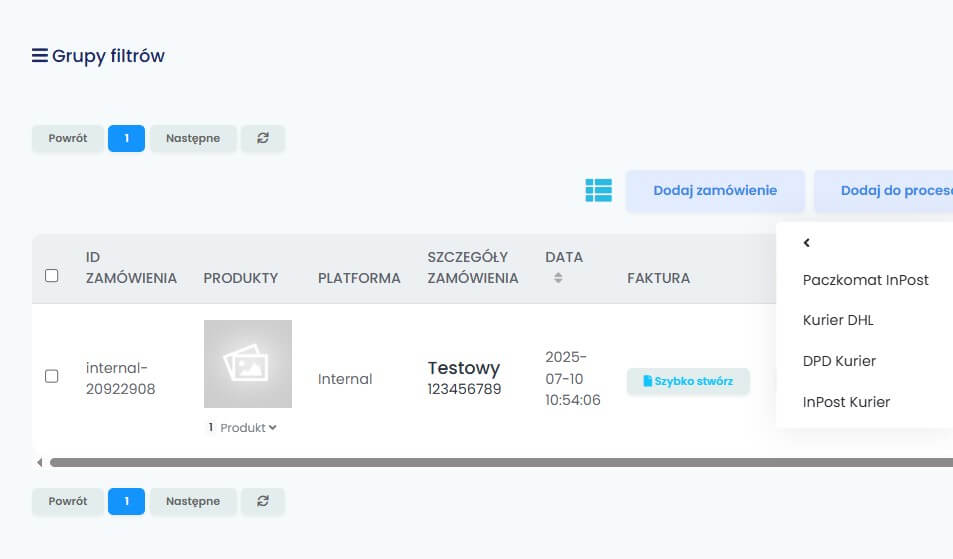
You can add few sending accounts to shorten up sending as 1 account is signed up only to 1 courier service as Parcelbox InPost/Courier DPD/Courier DHL.
To add another account go to:
Integrations -> Couriers ->”Edit” at current connection, on the down of page you will have button "Clone". It will create new connection, API keys will be duplicated as well as sending data. Make sure that you will edit name of the connection and new courier will be sign up. U
Comments
0 comments
Article is closed for comments.